-
Shop
- Adidas
- Advanced Technologies
- AI Skills Mastery 2026 Collection
- Apple Accessories
- Best-Sellers
- Car Accessories
- Dating & Social Confidence
- Dating & Social Skills
- Digital Resources
- Education & Learning
- Family & Parenting
- Fashion
- Fashion Accessories
- Furniture
- Gadgets
- Health & Beauty
- Health & Wellness
- Home & Garden
- Home Supplies
- Kids & Babies
- Kitchen Best-Sellers
- Lighting
- Nike
- Patio, Lawn & Garden
- Personal Growth
- Pet Care
- Pet Supplies
- Pets
- Shoes
- Sport & Outdoors
- Stress Relief & Relaxation
- Summer 2025 Fashion Collection
- Sunglasses
- Super Deals
- Travel
- Travel & Outdoors
- Wealth
- Wealth Building
- Women’s Wellness & Lifestyle
- Popular
- Best deals
21 Heart Keycaps: Cute Accent Kit for MX Keyboards
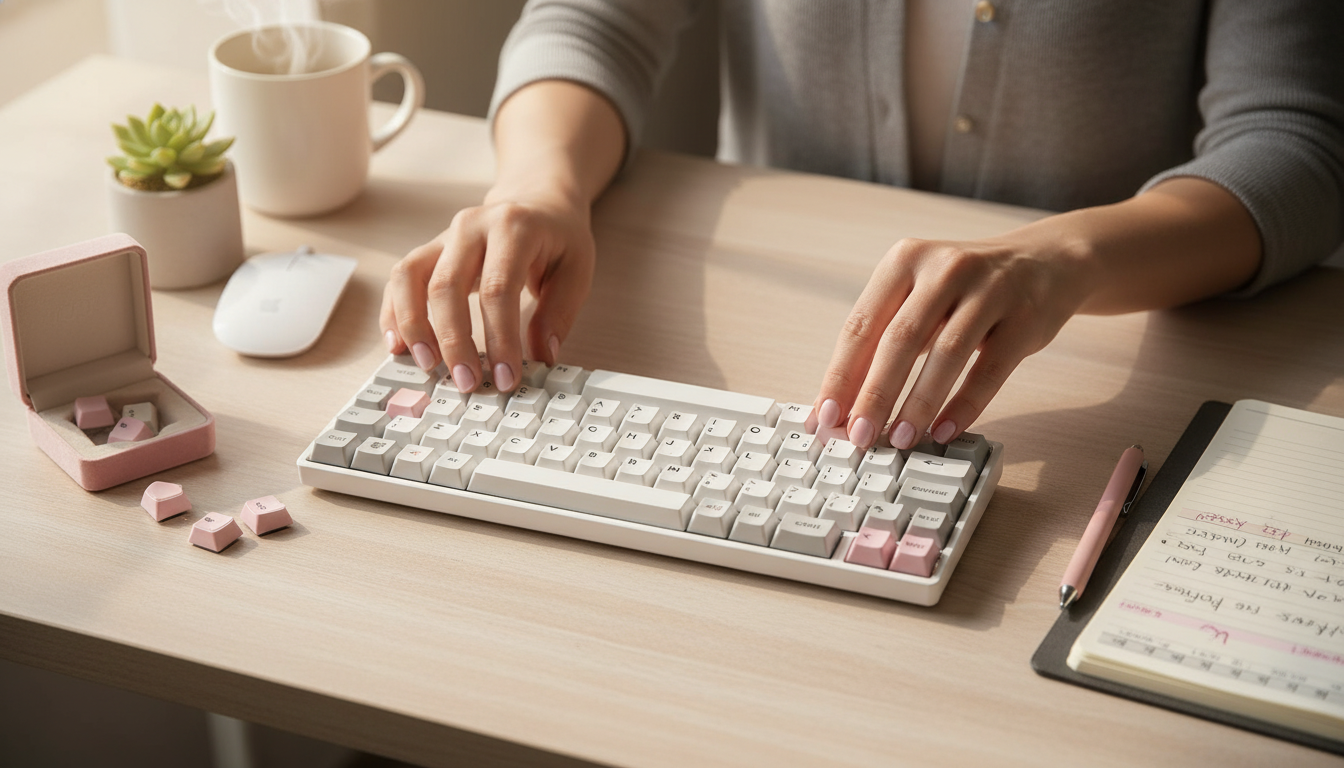
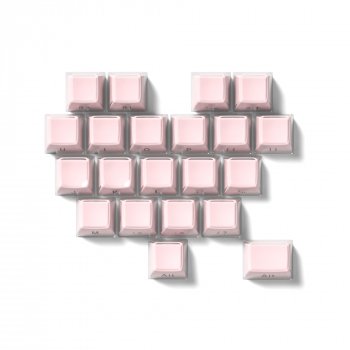
21-Key Heart-Shaped Keycap Set: A Cute Upgrade for Mechanical Keyboards
Heart-shaped keycaps add a playful accent without committing to a full keycap swap. This 21-key set is designed to spotlight the most visible keys—perfect for creating a themed look, gifting, or refreshing a daily driver while keeping the rest of the board familiar. If you want a quick aesthetic change that still feels like “your” keyboard, an accent kit is often the easiest (and least risky) way to do it. For more guidance, see The world of custom mechanical keyboards | Ramshankar.
What’s Included and Where It Fits Best
This is a 21-key accent pack, meaning it’s built to replace a handful of high-visibility keys rather than every key on the board. That’s exactly why it works: a few standout caps can change the entire vibe without forcing a full layout match or a complete profile swap. For further reading, see In Search of Thock: The Quest for the Perfect Keyboard – KQED.
- 21 keycaps intended for accent placement rather than a full layout replacement
- Works especially well on compact boards where a few keys dominate the look (60%, 65%, 75%)
- Common placements: Escape, Enter, Backspace, Shift, arrow cluster, and a few modifiers
- Best for pairing with neutral sets so the heart shapes stand out
- A quick visual refresh that doesn’t require learning a new keycap profile across the whole board
For a simple starting point, the 21-Key Heart-Shaped Keycap Set is the kind of kit that can be swapped in over a coffee break—no full teardown or deep cleaning required.
Compatibility: Make Sure the Keycaps Match Your Keyboard
Before swapping any caps, confirm that your keyboard and the novelty keycaps agree on the basics: stem type, stabilized key sizes, and layout quirks. Most fit issues come from a mismatch in one of these areas—not from anything “wrong” with the caps themselves.
- Confirm the switch stem type (most mechanical boards use Cherry MX-style “+” stems)
- Check stabilizers on larger keys (Enter, Shift, Backspace, Spacebar) since some novelty sets don’t include every stabilized size
- Verify layout specifics: ANSI vs ISO, right Shift length, and bottom-row sizing
- Consider keycap profile height (OEM, Cherry, SA, DSA, XDA): mixing profiles changes feel and can affect reach
- If using south-facing LEDs or shine-through requirements, novelty caps may prioritize shape over backlight transmission
Quick Compatibility Checklist
| What to check | Why it matters | How to confirm |
|---|---|---|
| Switch stem style | Determines whether the keycap will mount securely | Look for Cherry MX-style “+” stems on your switches or product listing |
| Stabilized keys used | Large keys may not fit if sizes/spacing differ | Measure Shift/Enter/Backspace or compare to your current keycaps |
| Keyboard layout (ANSI/ISO) | Enter key and surrounding keys vary by region | Check whether your board has a tall ISO Enter or wide ANSI Enter |
| Keycap profile | Mixing profiles changes height/angle and typing feel | Identify your current set’s profile or compare side-by-side |
| Interference/clearance | Some combos can rub on switch housings or neighboring caps | Test-fit one cap first before swapping multiple keys |
When in doubt, verify your switch family using the manufacturer’s details (Cherry provides reference info here: Cherry MX switch specifications) and compare keycap profiles using a reliable guide (Deskthority Wiki: Keycap profiles).
Design Details That Change the Feel of Your Board
The heart silhouette isn’t just cosmetic—it changes the top surface your finger contacts. Compared with standard sculpted keycaps, novelty shapes can feel more three-dimensional and may guide your finger to a slightly different landing spot.
- Heart silhouette creates a more three-dimensional surface than standard sculpted caps
- Novelty shapes can shift finger placement slightly; best used on low-frequency keys at first
- Accent caps can help quickly locate “anchor” keys during gaming or shortcuts
- Mixing with minimalist keysets creates contrast; pairing with pastel boards creates a cohesive theme
- A small set is easier to color-match with desk mats, wrist rests, and cable accents
A practical styling trick: treat the heart keys like jewelry. One or two “statement” keys can look more intentional than replacing everything that happens to fit.
Comfort and Usability Tips
Accent caps should look fun without making the board harder to use. The easiest way to keep things comfortable is to introduce them gradually and let your hands tell you what works.
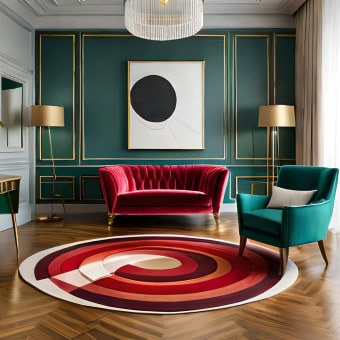
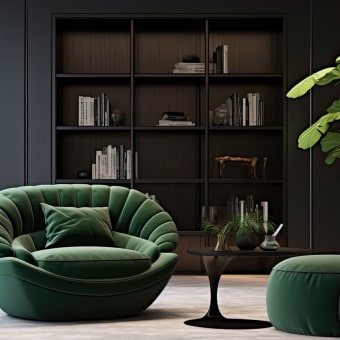
If the goal is a cozy, “stay awhile” setup, the keyboard is only half the experience—comfortable seating matters too. For a living room battlestation or media setup, the Cloud Modular Sectional Sofa with Deep Seats and Storage Ottomans can complement a relaxed space where your desk accessories and décor feel cohesive.
How to Install and Keep Them Looking New
A Simple Accent Plan (If You’re Not Sure Where to Start)
FAQ
Will these heart-shaped keycaps fit Cherry MX-style switches?
They should fit if your keyboard uses Cherry MX-style “+” stems, which are common on many mechanical switches. Confirm the stem type in your keyboard’s specs, and test-fit one cap before swapping multiple keys.
Do heart-shaped keycaps work on stabilized keys like Enter or Shift?
They can, but stabilized keys require the correct key size and stabilizer spacing to match your layout. Verify whether your keyboard is ANSI or ISO and measure your current Enter/Shift/Backspace keys before replacing larger caps.
Can novelty keycaps affect typing comfort?
Yes—taller or uniquely shaped caps can change finger placement and may slightly affect speed on frequently used keys. Start by using them on lower-frequency keys first, then adjust placement based on comfort.











Leave a comment